
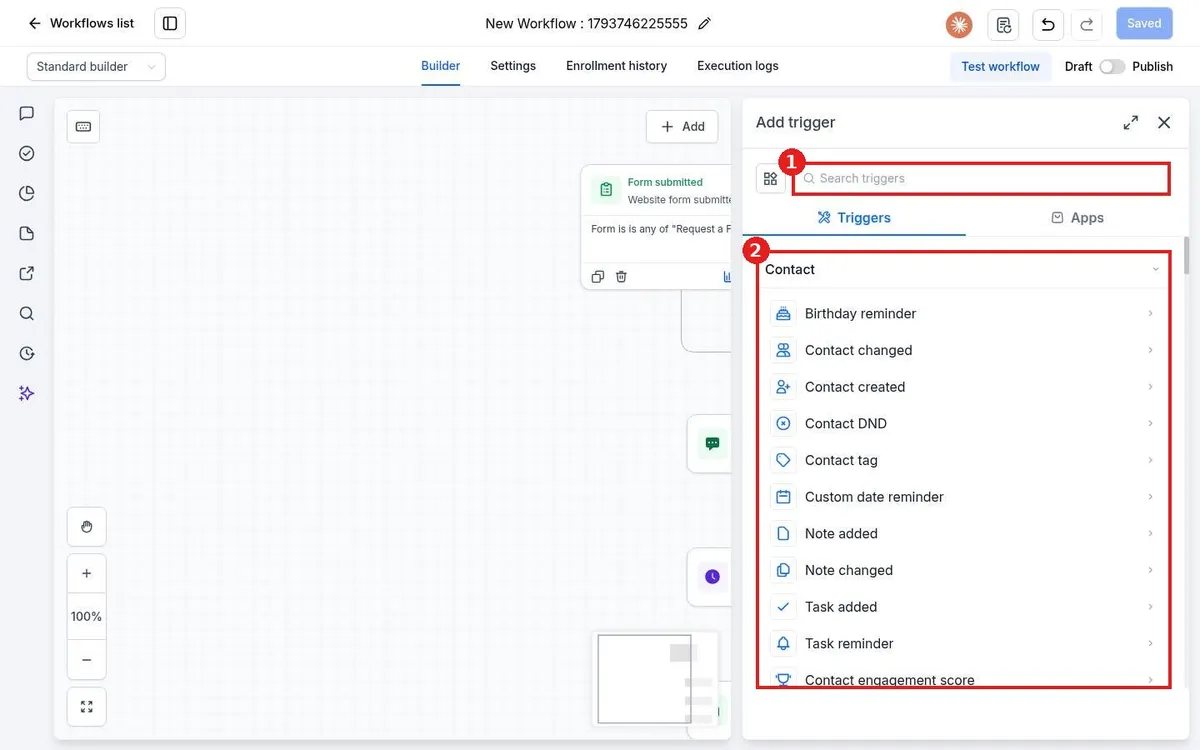
How do I add a trigger to a workflow?
Published on: 03/11/2026
Add a workflow trigger in Reachific: open the workflow, click Add new trigger, pick the event such as Contact tag or Form submitted, add filters so only the right contacts enter, then click Save trigger.
workflow triggerstart automationworkflowhelp center